Locations
- How do multiple locations work in the Dienstag App?
-
- In the Dienstag App, you can create multiple locations. Team members can be assigned to one or multiple locations and can also work across different locations.
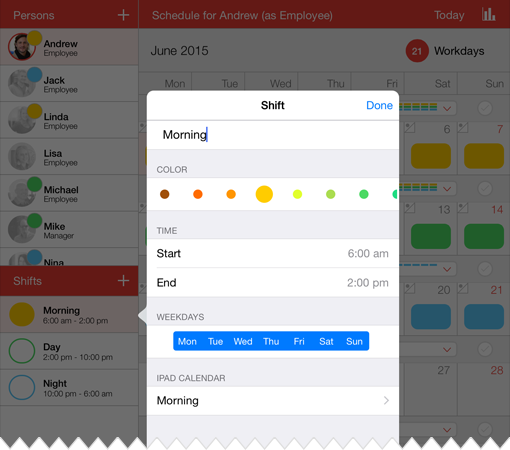
- When creating a new location, shifts need to be set up once for that location. These shifts are then assigned to the respective location.
- If you do not want to use the location feature, you can simply stay in the “All locations” view and continue planning as usual.
When switching between locations, only the shifts associated with the selected location are displayed. A separate schedule can be created and managed for each location.
The multi-location feature is especially useful if you manage multiple sites, departments, or separate teams within the app.